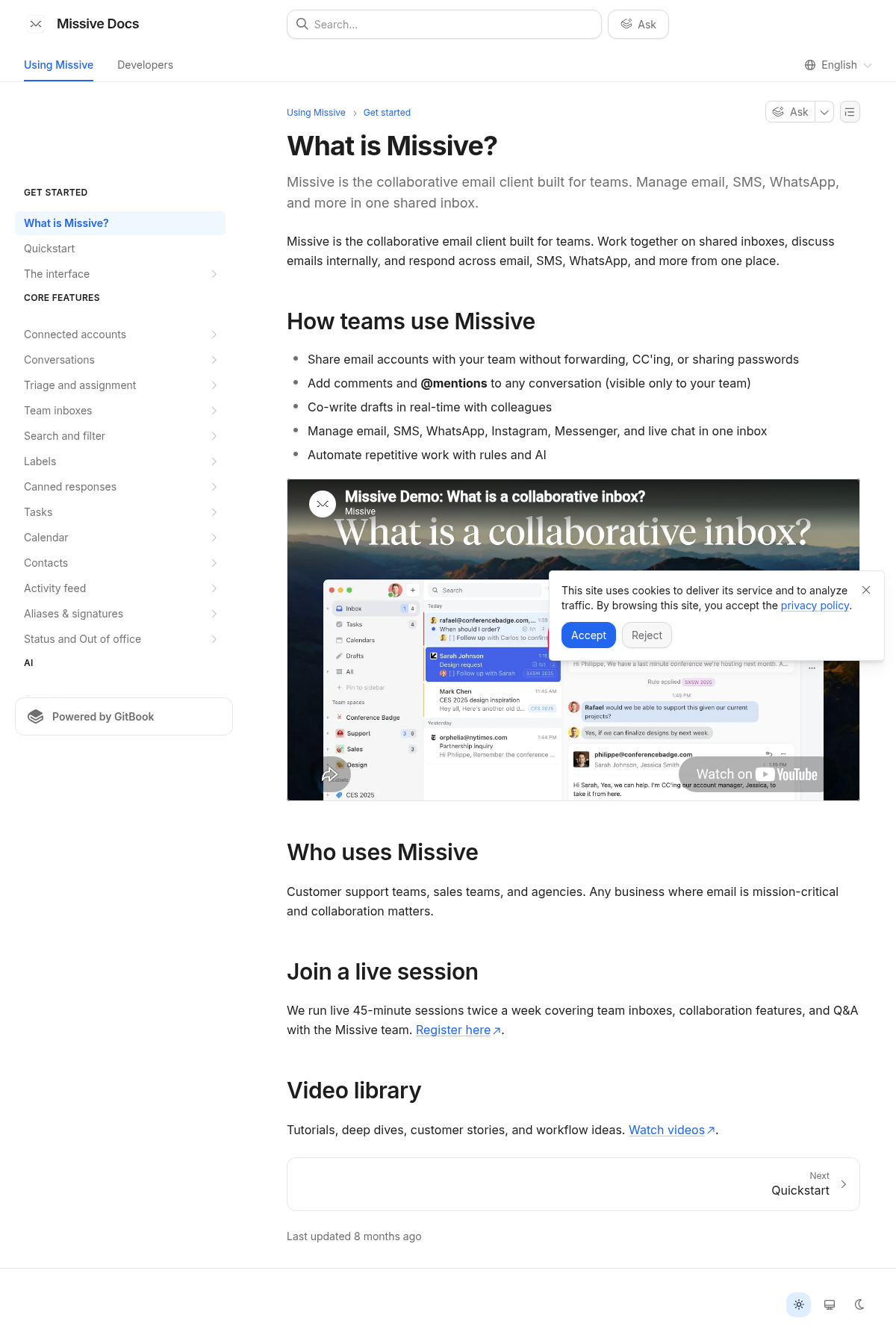
01 What to notice
how teams use Missive
The docs homepage surfaces how teams use Missive as a direct starting route.
02 What to notice
shared inboxes
The navigation exposes shared inboxes as a distinct route, helping readers locate a task or product area.
03 What to notice
comments and mentions
The navigation exposes comments and mentions as a distinct route, helping readers locate a task or product area.
04 What to notice
email/SMS/WhatsApp
The navigation exposes email/SMS/WhatsApp as a distinct route, helping readers locate a task or product area.
05 What to notice
video library
The navigation exposes video library as a distinct route, helping readers locate a task or product area.